Blog
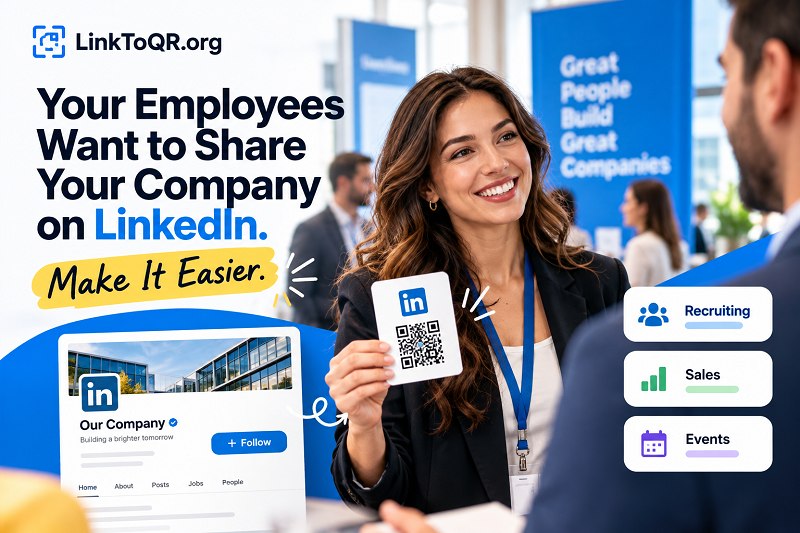
LinkedIn QR Codes for Employee Advocacy and Brand Growth
Help employees share your company on LinkedIn with less friction. Explore practical QR code uses for sales teams, recruiting, events, and brand visibility.
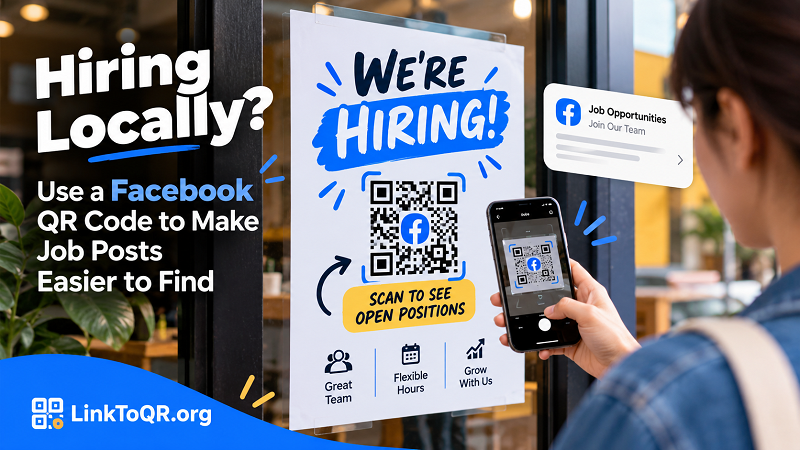
Facebook QR Codes for Hiring: Help Local Applicants Find Jobs
Make local hiring easier with a Facebook QR code. Connect job posters, storefront signs, and community boards to clear, up-to-date job information.
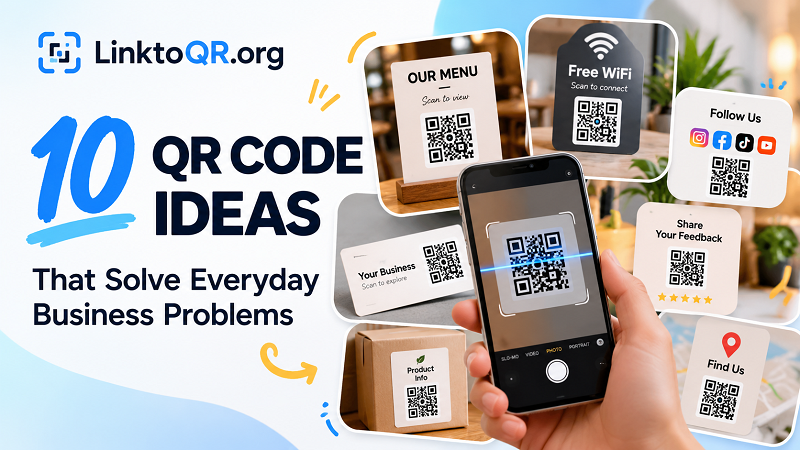
10 QR Code Ideas That Solve Everyday Business Problems
Discover 10 practical QR code ideas for menus, business cards, feedback, events, WiFi, products, promotions, and more. Turn everyday friction into easier customer experiences.
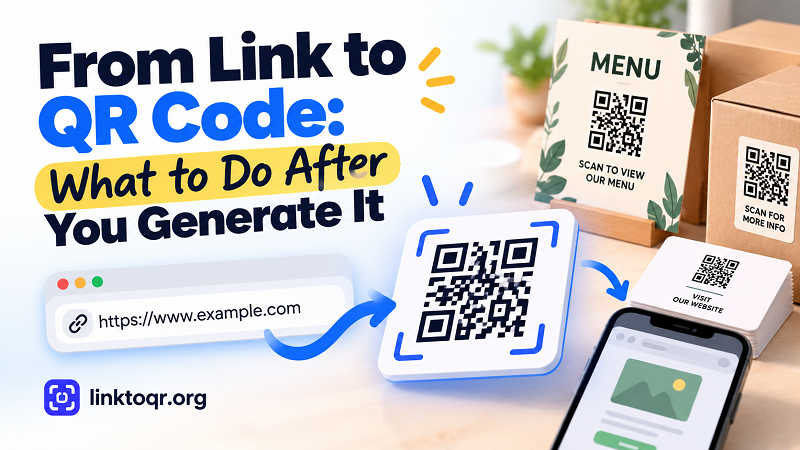
From Link to QR Code: What to Do After You Generate It
Created a QR code from a link? Learn what to do next, from choosing the right file and placement to testing, printing, and keeping your destination ready.
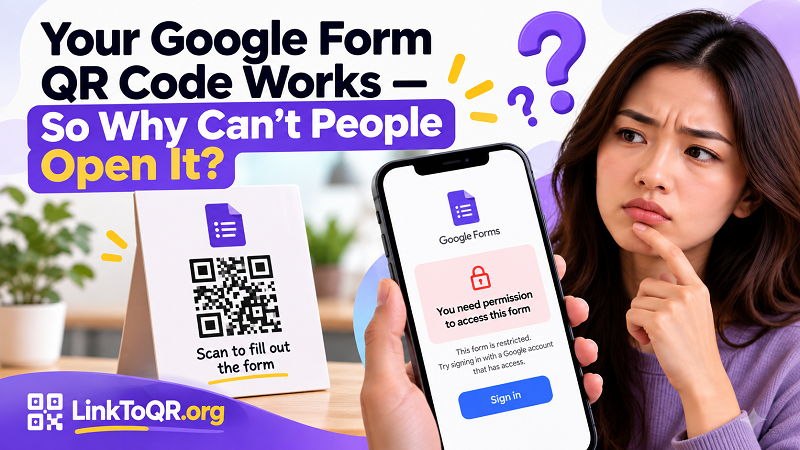
Google Form QR Code Works but Won’t Open? Fix Access Issues
Your Google Form QR code scans, but users can’t open the form? Learn why access issues happen and how to test your form before sharing it.
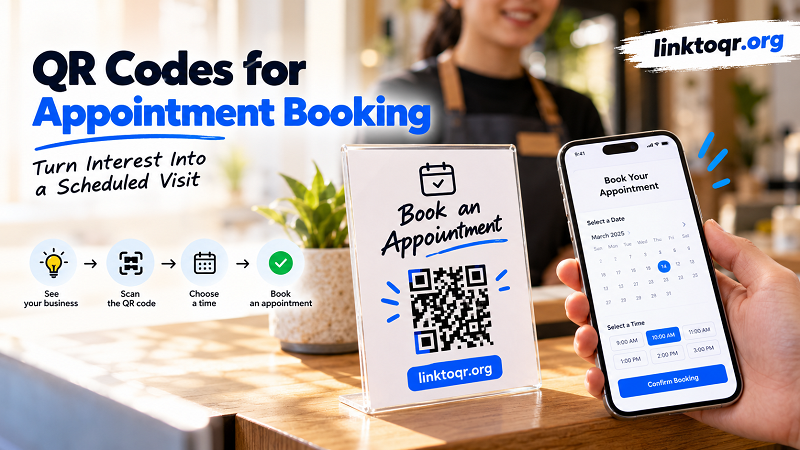
QR Codes for Appointment Booking: Get More Bookings
Turn customer interest into booked appointments with QR codes. Learn how to connect printed materials, storefronts, and conversations to a faster booking experience.
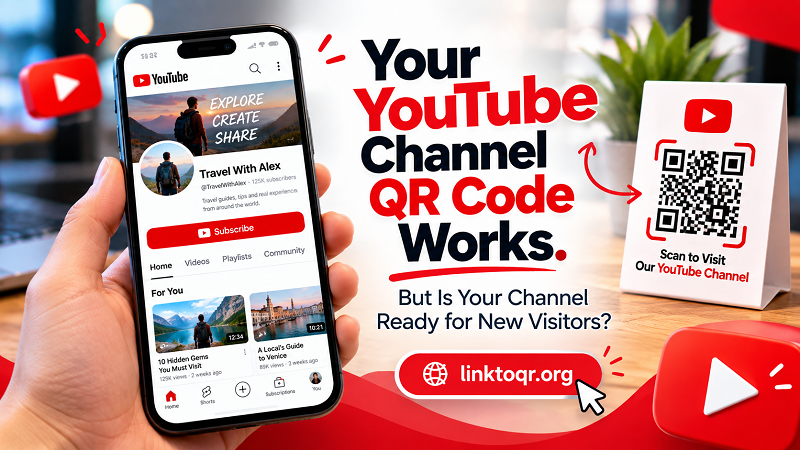
YouTube Channel QR Code: Is Your Channel Ready to Be Scanned?
A YouTube channel QR code can bring new visitors instantly. Learn how to make your channel welcoming, easy to explore, and ready to turn scans into subscribers.
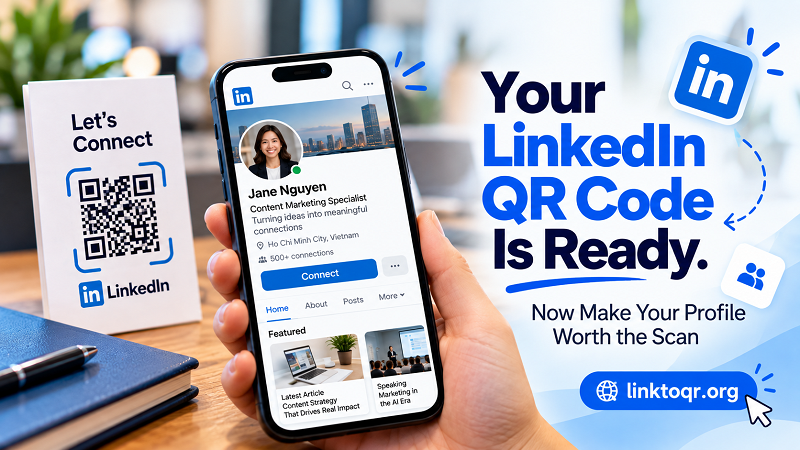
LinkedIn QR Code: Make Your Profile Worth the Scan
A LinkedIn QR code gets people to your profile. Learn how to make your profile clear, credible, and compelling enough to turn a quick scan into a real connection.
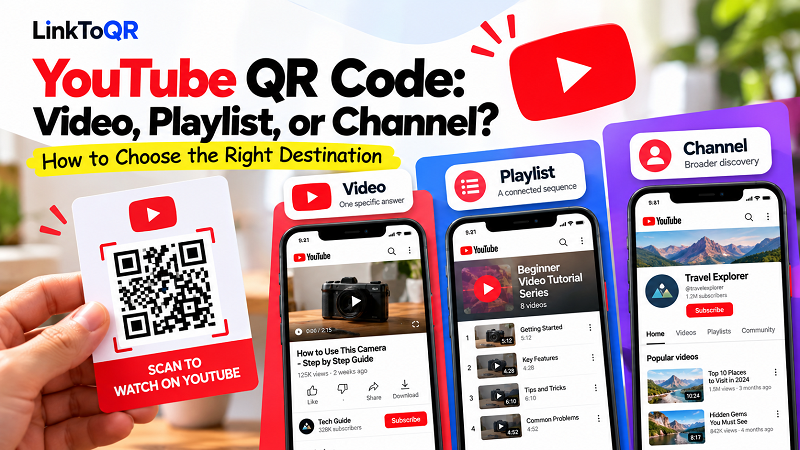
YouTube QR Code: Video, Playlist, or Channel?
Should your YouTube QR code open a video, playlist, or channel? Learn how to choose the right destination based on what you want people to do after scanning.
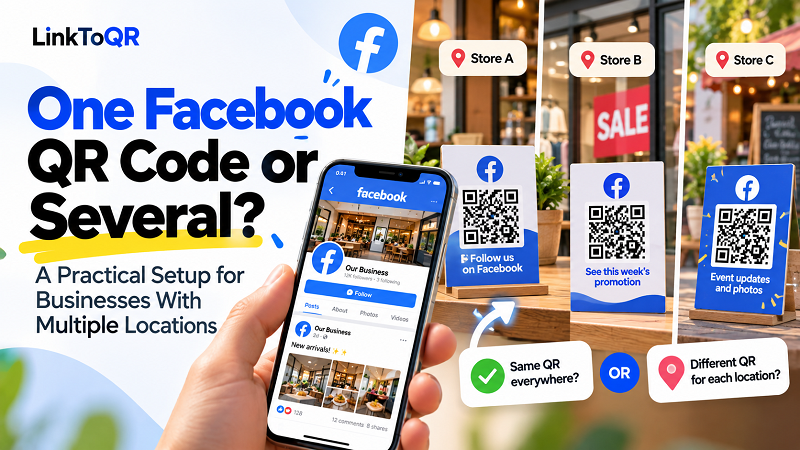
One Facebook QR Code or Several? A Guide for Businesses
Should every location use the same Facebook QR code? Explore when one code works, when separate codes make sense, and how to build a smoother customer journey.
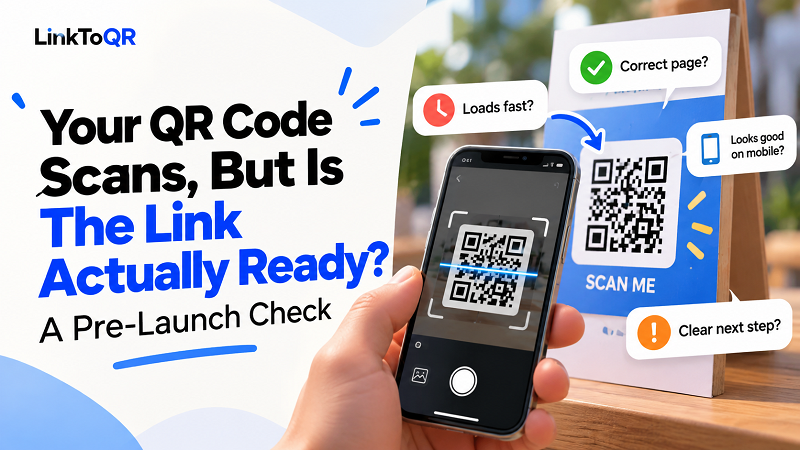
Your QR Code Scans, But Is the Link Ready?
Your QR code may scan perfectly and still fail users. Learn what to check before publishing or printing a QR code, from the destination page to mobile UX.
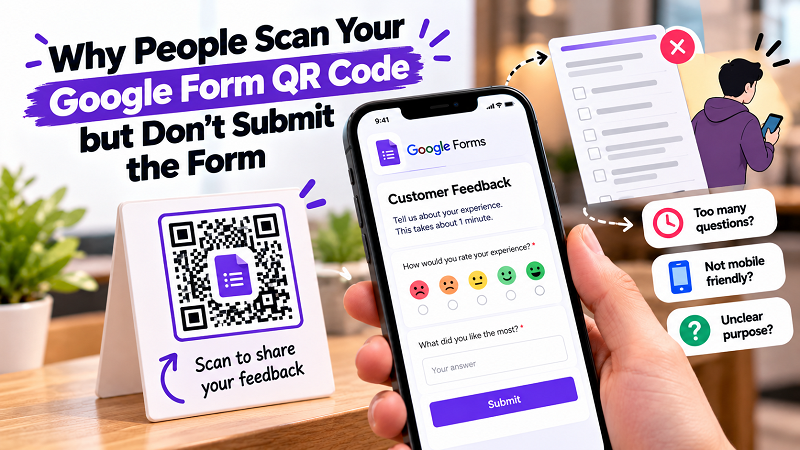
Why People Scan Your Google Form QR Code but Don't Submit
People may scan your Google Form QR code but still abandon the form. Learn how to reduce friction and improve form completion on mobile.
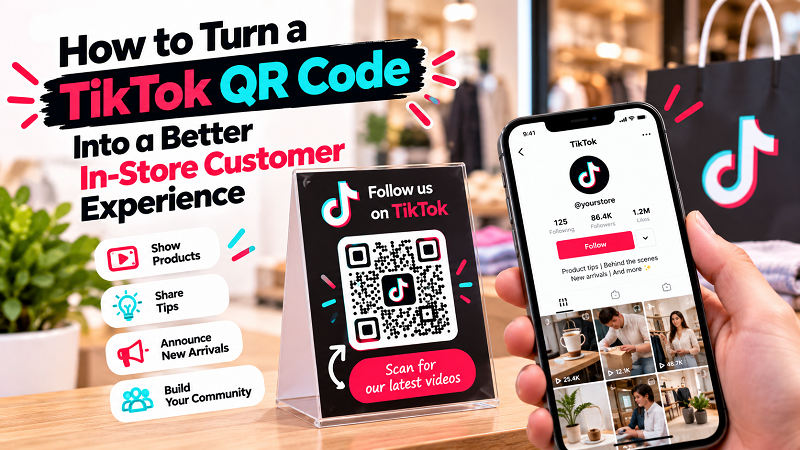
How to Use a TikTok QR Code In-Store
Learn how to use a TikTok QR code to connect your physical store with useful videos, product content, customer moments, and social engagement.
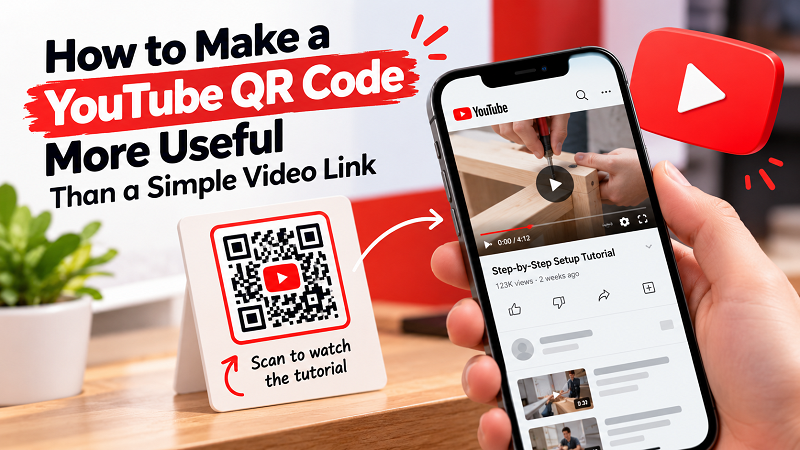
How to Make a YouTube QR Code More Useful
Learn how to create a more useful YouTube QR experience by choosing the right video, CTA, placement, and destination for your audience.
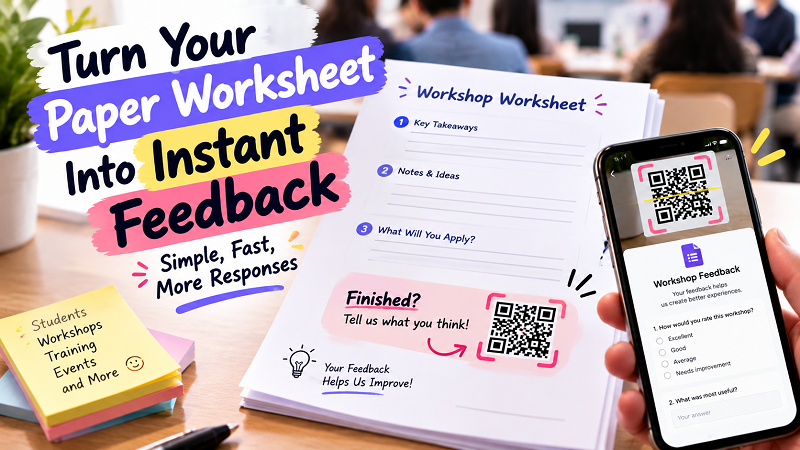
How to Collect Better Feedback From a Paper Worksheet
Make paper worksheets, handouts, and workshop materials more useful by giving people a faster way to leave feedback from their phones.